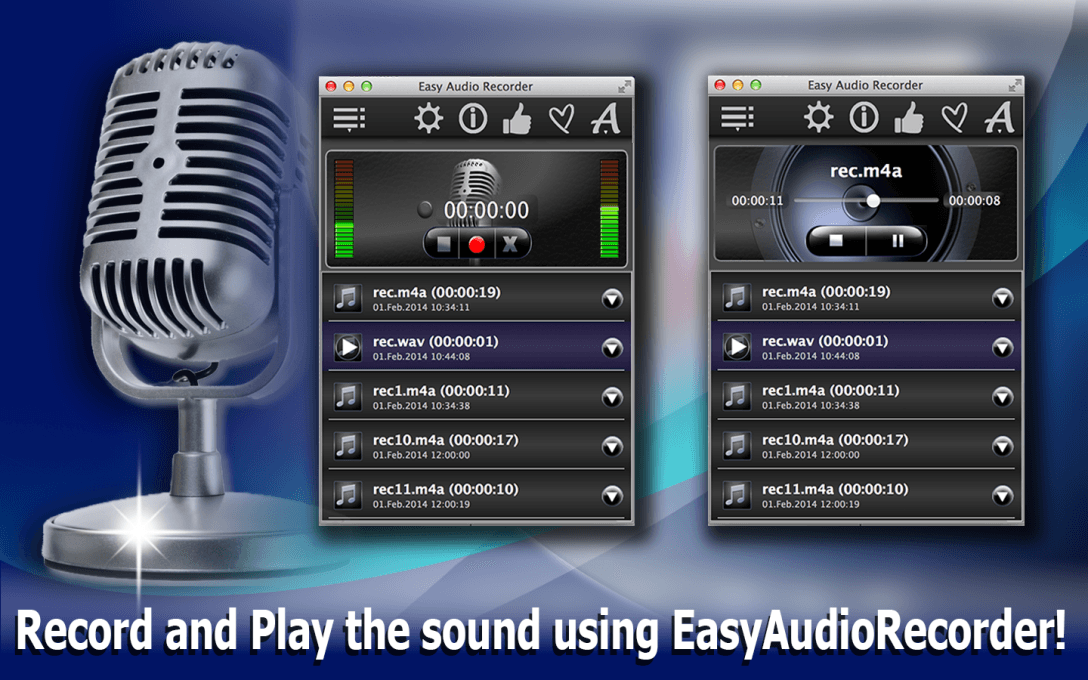
The Easy Audio Recorder lite is the perfect tool for capturing audio content in all its forms, be it music, lectures, podcasts, or even audio-based podcasts. With its user-friendly interface, you can easily save high-quality WAV audio recordings to your computer and enjoy the customized settings that allow you to tailor the audio recorder to your specific needs.
This light-weight audio recording software boasts a range of features, including:
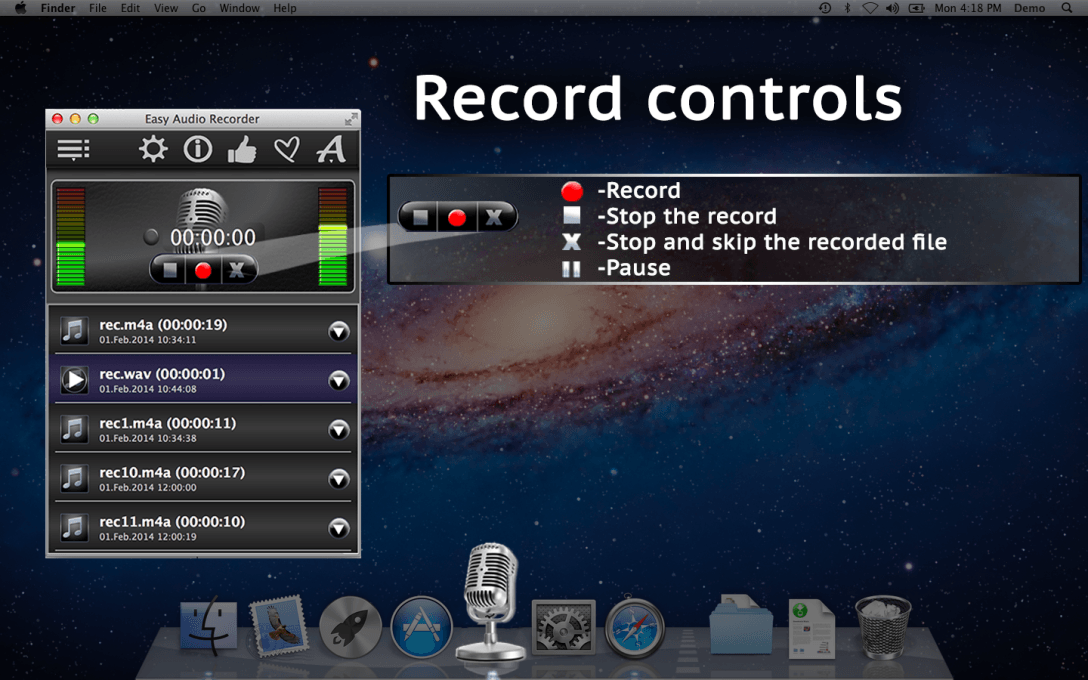
-Intuitive recording controls, including buttons for recording, pausing, stopping, and skipping;
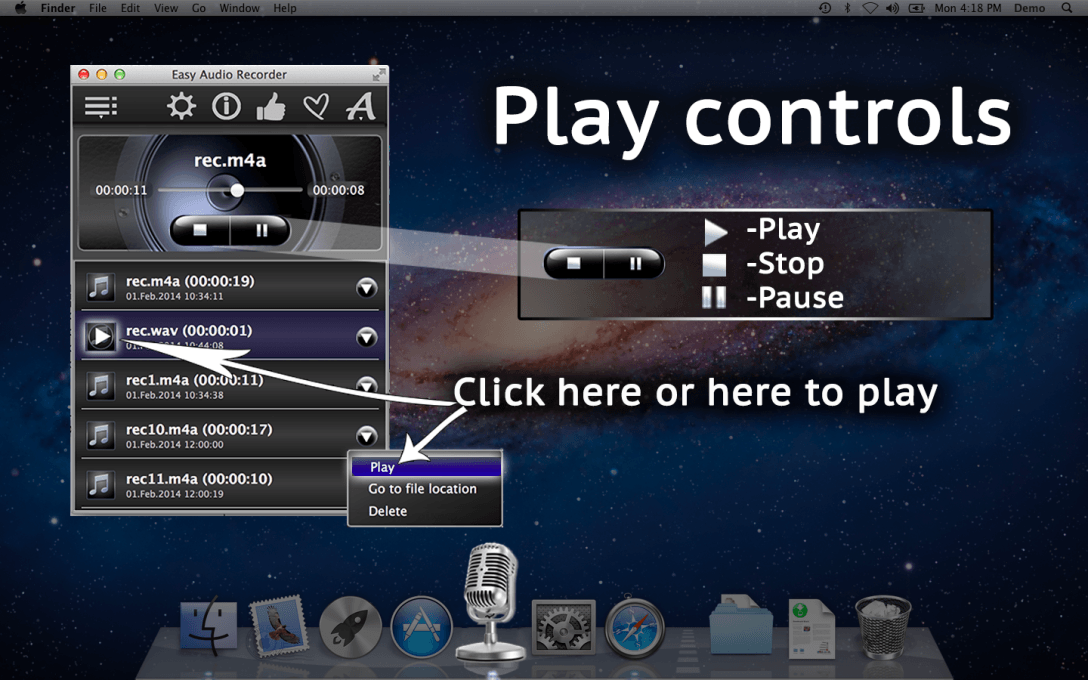
-Playback controls, including buttons for playing, pausing, and stopping, as well as a dropdown menu with additional options;
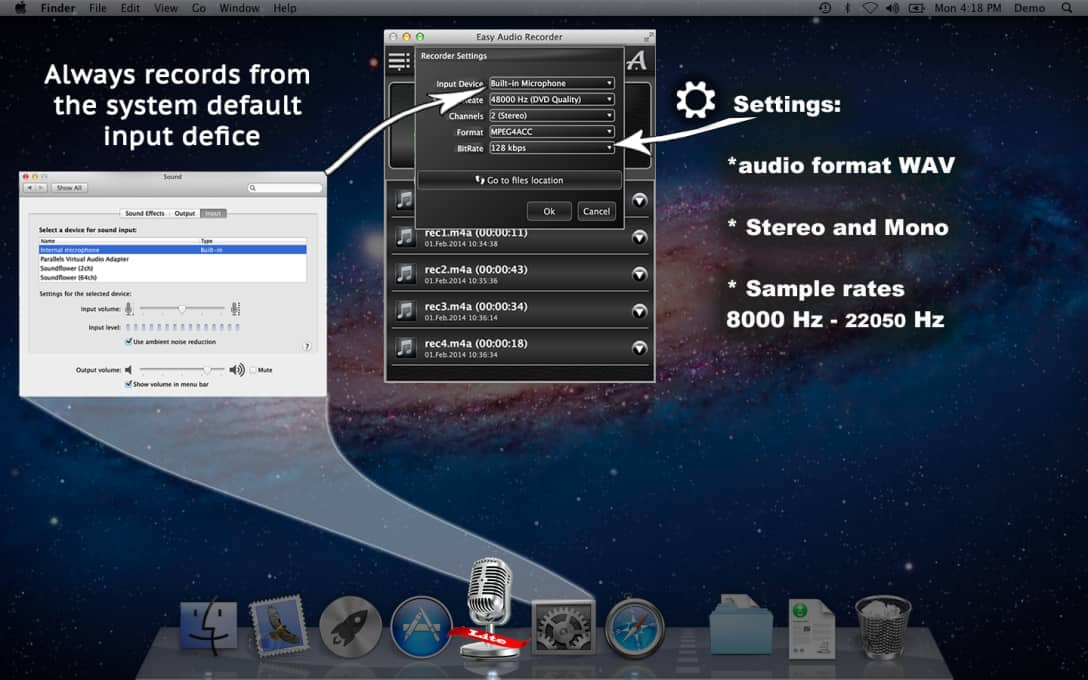
-Flexible audio input device options, with the ability to switch to a different device if desired;
-Multiple sample rate options, including 22050 Hz and 11025 Hz;
-Support for mono or stereo recording with 1 or 2 channels;
-The ability to save recordings in the WAV audio format.
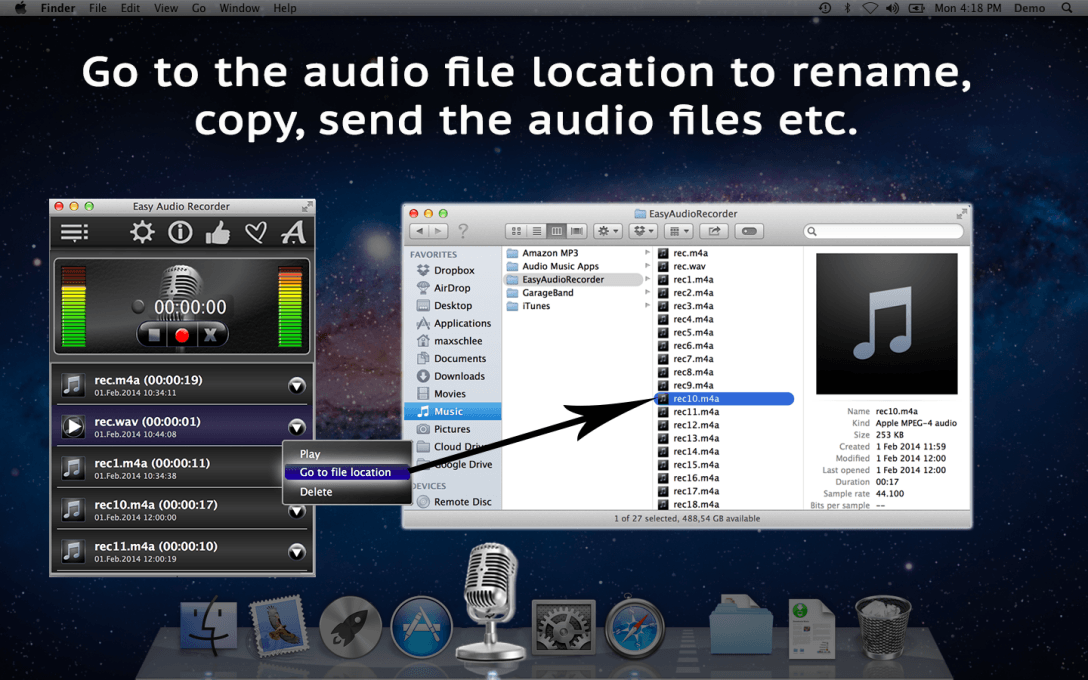
With the Easy Audio Recorder lite, you can easily manage your recorded audio files, including listening to your recordings, renaming, copying, and sending files to others. And if you decide you don’t like a recording, you can simply move it to the trash, giving you peace of mind that the file won’t be lost forever.
So why wait? Download the Easy Audio Recorder lite today and experience the power of this free, top-rated audio recording software. And for even more features and options, be sure to check out the full version of the easy audio recorder! And don’t forget to check out our helpful how-to tutorial on YouTube as well.



Reviews
There are no reviews yet.